
Start with one command
Scaffold a clean mini app for Farcaster and Base without spending a day wiring adapters, manifests, or wallet plumbing. The base app is ready for humans and agents.
Lazer Mini Apps gives you a fast CLI and agent-native workflow for creating apps with platform adapters, web3 modules, and incremental feature activation built directly into your AI agent's toolkit.
Not another generic starter. This is opinionated tooling for mini apps: create the base app fast, give agents the right source references, and let humans or agents expand the project with less setup drift and less unused code.
Scaffold a clean mini app for Farcaster and Base without spending a day wiring adapters, manifests, or wallet plumbing. The base app is ready for humans and agents.
Generated apps include agent-readable source references for auth, web3, and more, so skills can implement only the code your app actually needs, tailored to your requests.
Use the CLI directly, or open the project in your agent. Every app comes with built-in slash-commands like /auth and /farcaster so agents can build for you.
Lazer works differently than a traditional template. Instead of starting with a bloated starter, it gives your agent the references it needs to build only the features you ask for.
Scaffold a minimal app shell. It comes pre-configured with your chosen platforms and agent-readable source references for everything else.
Tell your agent what to implement. It uses the built-in skills to surgically write auth, web3, or data logic directly into your source code.
No black-box libraries or bloated templates. Your agent writes only the code you need, leaving you with a clean, editable, and auditable repo.
Lazer transforms a basic shell into a feature-rich mini app through surgical, agent-driven implementations. Experience the workflow through this interactive simulation.
/ to browse commands.Make the call before Friday close, then push your result back into the feed.
Onchain reads and writes are disabled. Run /contracts to deploy the prediction contract.
See what's possible when you skip the boilerplate and move straight to building your core game logic and features.
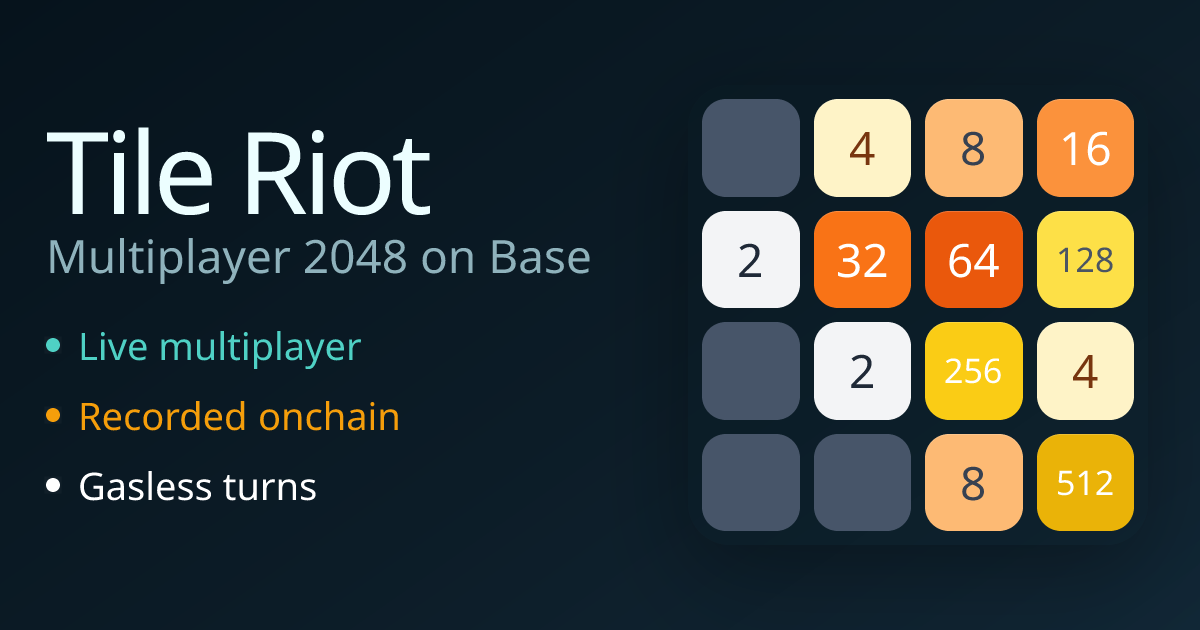
A fast-paced, fully onchain version of 2048 built on Base. Lazer provided the onchain foundations, allowing for a fast build of the game logic and smart contracts.
Visit site
An idle trading game using real-time price feeds from Codex. Built using Lazer's data and auth skills to handle the heavy lifting.
Visit siteShort answers for the questions a landing page should settle quickly.
It is an agent-native toolkit for building mini apps for Farcaster and Base. It scaffolds the app, ships skill references for major integrations, and helps agents implement the parts your app actually needs.
Because mini apps need more than a blank app shell. You need platform adapters, manifests, wallet flows, design tokens, and a way to keep agent workflows consistent across different projects.
It is for teams and developers building for Farcaster or Base who want to move faster by using AI agents for the heavy lifting of platform wiring and feature implementation.
Mostly, yes. Lazer is designed to be an agent's favorite toolkit. While the CLI gives you the base app, the real leverage comes from agents using the shipped skills to implement features quickly and correctly.
Yes. The CLI supports MCP, machine-readable manifests, and installable skill files so agents like Claude, Cursor, and Gemini can discover and call commands through typed interfaces.
Auth, EVM tooling, Solana tooling, token swaps, Codex data, Postgres, Farcaster integrations, Base integrations, and smart contracts via Foundry or Anchor.